
Download ZeuAPP – download apps, lightweight tool, no installation, easy software setup, quick app download, software utility, app installer, PC software, system restore, Windows utility
Overview
ZeuAPP is a lightweight utility designed to simplify the process of downloading and installing essential software on Windows systems. Its primary purpose is to serve as a centralized, no-installation tool for accessing a curated collection of 82 applications. This makes it particularly useful for users who need to restore their software environment after a system format or perform a fresh setup. The app addresses the common challenge of manually searching for and downloading software from various websites, which can be time-consuming and risky due to potential malware exposure.
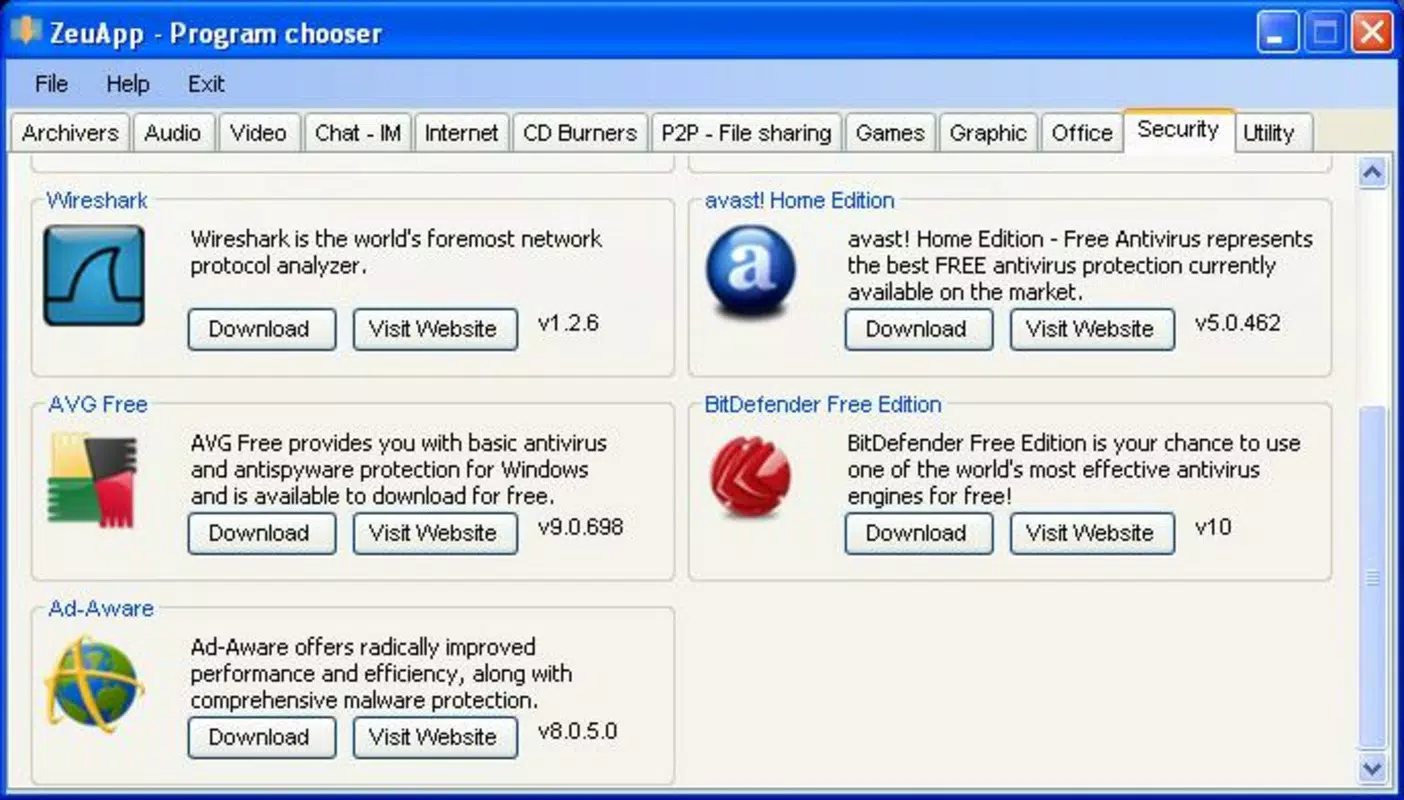
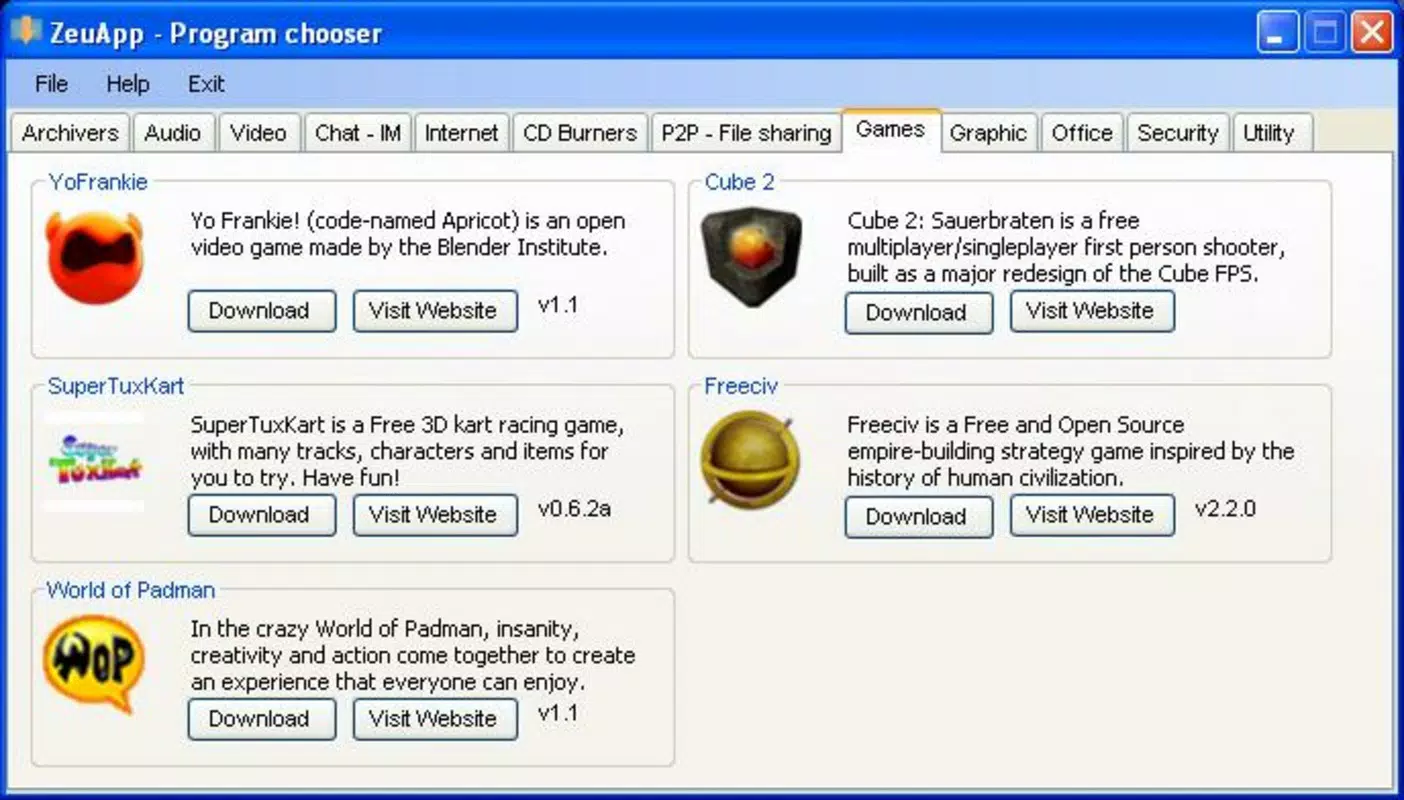
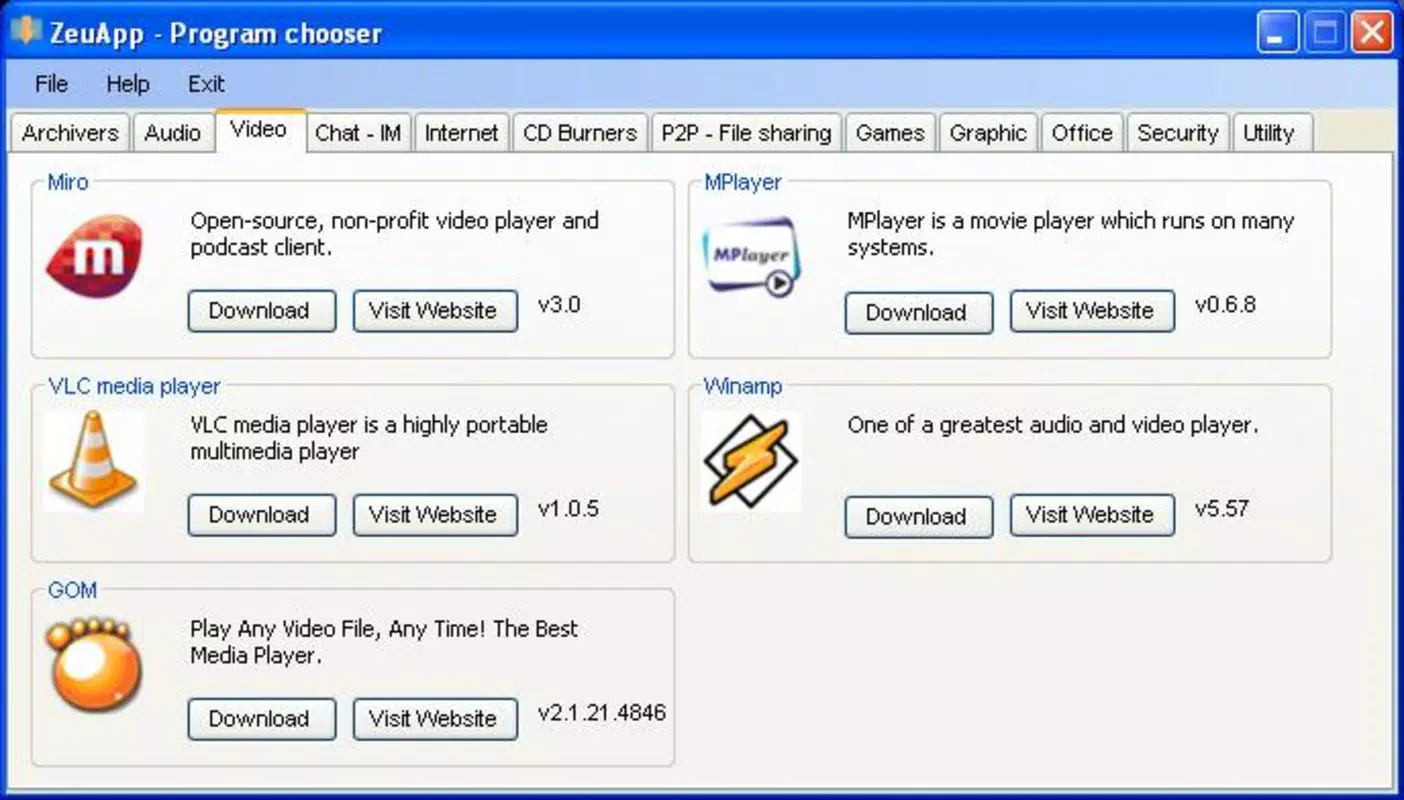
Target users include individuals with limited technical experience, IT professionals managing multiple systems, and anyone needing a rapid, secure way to reinstall core applications. The app’s focus on well-known software such as Firefox, Skype, Avast!, and Winamp ensures reliability and trustworthiness. By organizing these tools into intuitive categories like Video, Audio, P2P, Office, Internet, and Games, ZeuAPP streamlines the discovery process and reduces decision fatigue.
Although the developer did not provide additional technical details, the app’s release date of June 7, 2010, suggests it was created during a period when lightweight, portable software solutions were in high demand. Its continued presence in the utility space highlights its enduring value for users seeking a straightforward approach to system restoration and software management. In the broader app ecosystem, ZeuAPP fills a niche for minimalistic, functional tools that prioritize usability over complexity.
Key Features & Functionality
- No Installation Required: ZeuAPP operates as a portable application. Users can launch it simply by double-clicking the executable file, eliminating the need for traditional installation procedures. This is ideal for temporary use, public computers, or scenarios where administrative rights are restricted.
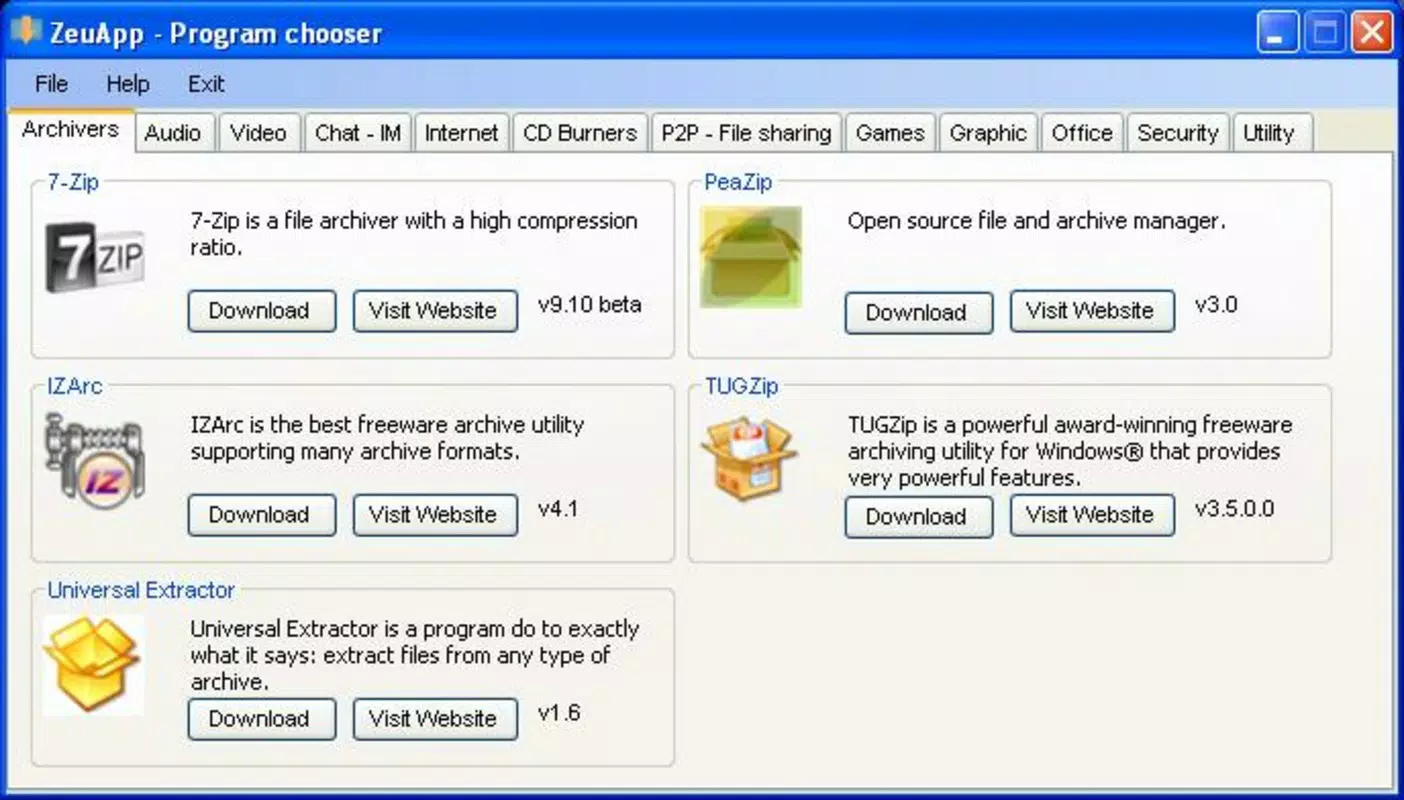
- Categorized Applications: The software is organized into clearly labeled categories, including Video, Audio, P2P, Office, Internet, and Games. This structure allows users to quickly locate relevant tools without navigating through a disorganized list, improving efficiency during system setup.
- Access to Trusted Software: ZeuAPP includes well-known and widely used applications such as Firefox, Skype, Avast!, and Winamp. These programs are vetted for reliability, helping users avoid potentially harmful downloads from untrusted third-party sites.
- Quick Reviews for Each App: Each application icon is accompanied by a brief descriptive review. This feature supports informed decision-making, especially for users unfamiliar with certain software, by providing immediate context about the program’s function and purpose.
- Fast Setup for Fresh Systems: The tool is optimized for users who have recently formatted their computers. It enables rapid reinstallation of essential applications, significantly reducing the time and effort required to restore a functional computing environment.
For example, a user who has just reinstalled Windows can use ZeuAPP to quickly download Firefox for web browsing, Avast! for antivirus protection, and Winamp for media playback—all from a single, easy-to-use interface. This use case demonstrates how the app enhances productivity during critical setup phases.
Interface, UX & Performance
The user interface of ZeuAPP is designed with simplicity and accessibility in mind. The layout presents application icons in a clean, grid-based format, with each category clearly labeled. Navigation is intuitive, relying on visual cues and straightforward categorization rather than complex menus or settings.
Although the developer did not list formal performance metrics, the app’s lightweight footprint of 2.5 MB suggests it runs efficiently on a wide range of Windows systems, including older hardware. The lack of installation requirements also contributes to minimal system impact, ensuring that the app remains responsive and stable during use.
Responsiveness appears to be consistent, as users can access and initiate downloads with minimal delay. Stability is likely maintained due to the app’s minimalistic design and reliance on external download sources. However, specific requirements for compatibility with different Windows versions were not disclosed, so users should exercise caution when deploying on systems outside the intended environment.
Platform Compatibility & Technical Requirements
ZeuAPP is designed for the Windows platform and operates on Windows operating systems. The software version is 1.0.1, with a file size of 2.5 MB. It is available at no cost, making it accessible to a broad audience.
The developer did not specify minimum OS requirements, nor did they provide details on supported Windows versions. Compatibility information was not fully disclosed, so users should verify functionality on their specific system before use. The absence of installation steps implies that the app is intended to run on any Windows system capable of executing portable executables.
Pros and Cons
Pros
- Lightweight design with minimal system impact
- No installation required—portable and easy to use
- Organized by category for faster navigation
- Includes well-known, trusted applications
- Provides quick descriptions for informed selection
- Free to download and use
Cons
- Developer did not disclose OS compatibility details
- Version and release date suggest the app may be outdated
- No information on update frequency or support
- External downloads may pose security risks if not verified
- Limited to 82 applications—may not cover niche software
FAQ
Is ZeuAPP safe to use?
ZeuAPP itself is a lightweight utility that does not install software directly. However, it redirects users to external download sources. Users should ensure they are downloading from official or trusted sites to avoid malware.
Can I use ZeuAPP on Windows 10 or 11?
The developer did not specify compatibility with Windows 10 or 11. While the app may run on newer systems, this has not been confirmed. Users should test it in a safe environment before relying on it for critical tasks.
Does ZeuAPP require internet access?
Yes. Since ZeuAPP facilitates the download of external applications, an active internet connection is required to access and install software.
How often is ZeuAPP updated?
Specific update information was not provided. The app was released in 2010, and no recent updates have been documented. Users should verify the current functionality and security of the software before use.
Can I use ZeuAPP on other operating systems?
ZeuAPP is designed exclusively for Windows. There is no official support for macOS, Linux, or mobile platforms like Android or iOS.
Final Thoughts
ZeuAPP remains a niche yet functional tool for users seeking a rapid, no-frills method to restore essential software after a system format. Its lightweight design, categorized interface, and inclusion of trusted applications make it a practical choice for basic system setup tasks. While its age and lack of modern updates raise concerns about compatibility and security, the app continues to serve a specific audience that values simplicity and immediate access.
For individuals managing multiple systems or those who frequently reinstall Windows, ZeuAPP offers a convenient way to streamline software deployment. However, users should remain cautious about relying on outdated tools and verify the integrity of downloaded software.
Download ZeuAPP now


